
Apparatus Pump Service Request Template: A Copy-and-Send Worksheet
By SEMS Fire · · 4 min read
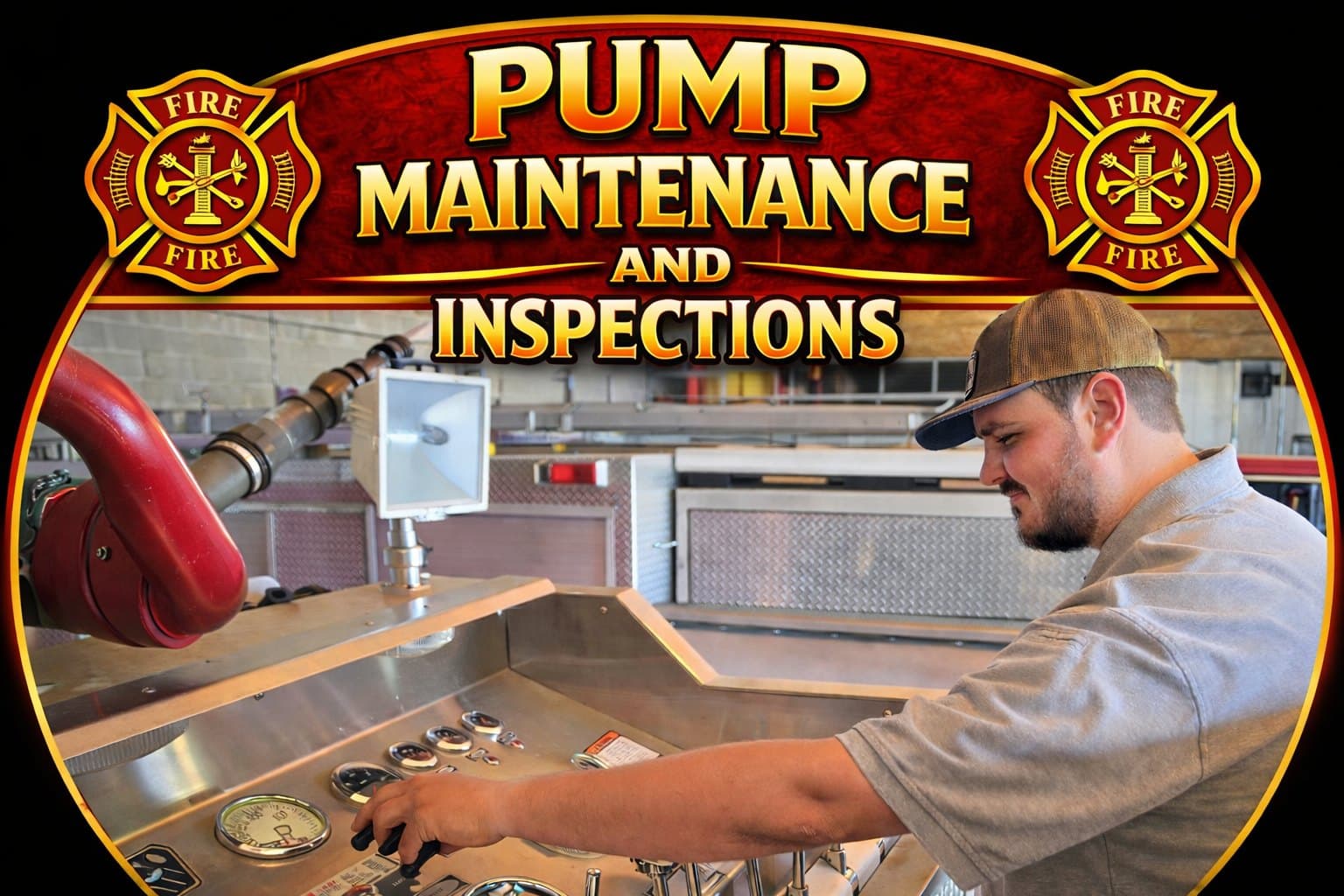
This page is for chiefs, apparatus officers, and fleet coordinators requesting apparatus pump work from SEMS. It covers fire apparatus pumps only, not building fire sprinkler pumps.
A clear request helps the office match the visit type to the right apparatus. Below is a helpful checklist of details to include. It is a recommendation for a smoother request, not a published mandatory SEMS intake policy.
Quick answer
Call the SEMS office at (251) 282-0958 or email semsfire@gmail.com and include:
- The type of visit: annual pump test, preventative maintenance, or repair of a reported problem.
- The apparatus: department unit number, make, model, and year, plus pump make and rated capacity if known.
- Your most recent pump test report and any open recommendations.
- A short, factual description of any current concern.
- Location, a contact who can meet the technician, and any scheduling limits.
The office confirms what it can perform, the scope, and current availability.
Copy-and-send request worksheet
Use this as an editable starting point. Delete fields that do not apply and mark missing details unknown. It is not an official SEMS form.
```text Subject: Apparatus pump request | [department] | [unit] | [visit type]
Department and contact: Apparatus unit / make / model / year: Pump make / rated capacity, if documented: Requested service: [test / maintenance / assessment of concern] Current department-reported apparatus status: Existing operator observations and when reported: Last test report attached: [yes / no / unknown] Later maintenance or repair records attached: Open recommendations we want assessed: Service location and site contact: Dates or apparatus-availability restrictions: Authorized scope requested at this stage: Additional-work approver and required purchasing process: Questions we need the office to confirm: ```
Send existing observations only. Do not operate the pump or reproduce a concern merely to fill the worksheet. Use your department's established safety and equipment-reporting procedures.
One apparatus or several?
For one unit, the worksheet can be a single message with its supporting records. For multiple units, repeat the apparatus-specific fields rather than describing “both engines” in one shared paragraph. Give each attachment the corresponding unit identifier so the office does not have to infer which report belongs to which pump.
Separate information from authorization. “Last report recommends attention to the primer” explains the request; it does not by itself authorize a specific repair. Make clear whether the department is requesting assessment, a test or a proposed corrective scope. A desired date is also a request, not a confirmed appointment.
If a detail is unknown, keep the gap visible and ask what would resolve it. A guessed rating or service date can make a neat-looking form less useful than an honest incomplete one.
Step 1: Name the visit type
SEMS lists these as separate services on its public services page:
- Annual pump testing and preventative maintenance for planned yearly performance testing and routine pump checks.
- Apparatus and pump repair when a reported problem needs diagnosis and corrective work.
- Both, listed separately, if a test is due and a concern is also open.
If the apparatus is out of service now, use the out-of-service repair request guide.
Step 2: Identify the apparatus
Give each apparatus its own line: unit number, make, model, year, and pump details from the pump plate or records when available. If several apparatus are included, say whether one authorization covers all of them. Mark unknown details as unknown.
Step 3: Attach the last report
Prior pump test reports and open recommendations help the provider see what was found before. Include them when you have them.
For help reading an older report, see what the annual pump test numbers mean.
Step 4: Describe any concern factually
Note what operators observed, when, and on which apparatus. Leave diagnosis to the technician. Follow your department's procedures for equipment concerns while you wait.
Step 5: Share logistics
Tell the office where the apparatus will be, who can meet the technician, and when it can be made available. If repairs found during a test need separate approval or a purchase order, name the approver and how.
When a test is on the calendar, pump test preparation and follow-through covers getting ready and closing out the report.
Questions departments ask
How far ahead should we request an annual pump test?
Ask the office for current availability.
Can the pump test and maintenance happen on the same visit?
Ask when you request. List both; the office will confirm what can be combined.
Does this page cover building fire sprinkler pumps?
No. This page is about apparatus pumps only. Ask the office about any other pump type.
What happens if the test finds a problem?
Findings and recommendations go in the report. Corrective work is scoped and approved separately unless you have already agreed otherwise.
Send your pump service request
Email semsfire@gmail.com or call (251) 282-0958 with the visit type, apparatus details, and your last report. Public contacts: SEMS team page.
Related service: Fire Pump Testing & Preventative Maintenance